How to Build a Cue Sheet You Can Call From Doors to Applause
A step-by-step guide to turning a launch running order into a clear cue sheet, with timings, standby calls and a sample schedule you can adapt for your own event.
7 min read
Start with the running order, not the cues
A cue sheet grows out of a running order, so begin there. Write down every moment the audience will notice, in the order it happens: doors opening, house music, welcome, first presenter, product reveal, demonstration, questions, closing words, applause and exit. Leave out lighting, sound and video for now. At this stage you only want a plain list of events a stranger could read and understand.
Next to each item, add a rough duration and the name of the person responsible. Rough is fine at first. The point is to see where the show is crowded and where it has slack. Most first drafts try to fit too much between the welcome and the reveal, and it shows immediately once the minutes are added up in a column.
Keep this list to one page. If it runs longer, the show probably has too many parts, or you are mixing the audience's view with the crew's view. We separate those two documents in the sections below, and keeping them apart is what makes the sheet usable under pressure.
- List audience-facing moments only
- Add a rough duration to every line
- Name one responsible person per line
- Keep the running order to a single page
Turn each moment into a numbered cue
A cue is a single instruction that changes something on stage or on screen. Go through your running order and ask, for each moment, what has to change for it to happen. The welcome might need house lights to fade, music to drop and a spotlight to find the host. That is three changes, but they happen together, so they sit under one numbered cue with the actions listed beneath it.
Number cues in the order they will be called and leave gaps, such as 10, 20, 30, so you can slot in an extra cue later without renumbering the whole sheet. Give each one a short plain name that the crew will recognise instantly, like Host walk-on or Reveal video roll. Avoid private jokes in names; a stand-in operator should understand them cold.
Write the trigger beside the number. A trigger is what causes the cue to be called: a spoken line, a slide change, a presenter reaching a mark, or a clock time. Triggers should be things you can see or hear without guessing. If the trigger is a feeling, the cue will be late.
- One cue per change, grouped actions beneath it
- Number in tens to allow later insertions
- Use short, plain cue names
- Record the exact trigger for each cue
Add standby calls and realistic timings
Every cue needs a warning before it. The standby call tells each operator that their action is coming in a moment, and it gives them a chance to say they are not ready. Place the standby a fixed distance ahead, usually one cue earlier or around thirty seconds before for slower actions. Write the standbys on the sheet as their own small lines so nobody relies on memory.
For timings, use two columns: planned duration and running time. The running time is the cumulative clock from doors, so you always know whether the show is ahead or behind. When rehearsal shows a section runs two minutes longer than planned, update both columns the same day. A sheet that disagrees with the room soon stops being trusted.
Build in buffer where the risk is greatest, which is usually the presenter section and any live demonstration. A product that must be switched on in front of an audience deserves a spare minute and a fallback line. Put the fallback on the sheet, not just in your head.
- Standby calls precede every significant cue
- Track planned duration and running time
- Place buffer before live demonstrations
- Write fallback lines directly on the sheet
A sample schedule from doors to applause
Here is the shape of a forty-five minute launch, which you can adapt. Doors open at the start with house music and a looping title slide. Fifteen minutes later, a short announcement asks guests to take their seats. The host walks on at minute twenty, speaks for three minutes, and introduces the first presenter, who talks for ten before handing to a short film.
The reveal sits near minute thirty-five. It needs the most cues packed closely together: lights down, film out, stage lights up on the product, music hit, and a camera cut if you are streaming. Give this block its own page on the sheet so the caller can see all of it at once without turning over.
After the reveal, allow around five minutes for a demonstration or questions, then a closing line from the host, applause music and house lights up. Leave the last page for the walk-out: music level, doors, and the final cue that tells the crew the show is over. Every event needs a defined end.
- Doors and house music: opening block
- Host and first presenter: minutes twenty to thirty-three
- Reveal block on its own page
- Closing line, applause music, house lights up
Test the sheet in a rehearsal, then mark it up
A cue sheet is only a draft until someone calls it aloud. Run the show at least once from the first cue to the last, with presenters on their marks and operators at their positions. Read each standby and cue exactly as written. You will find sentences that are too long to say quickly and cues whose triggers cannot be seen from where the caller sits.
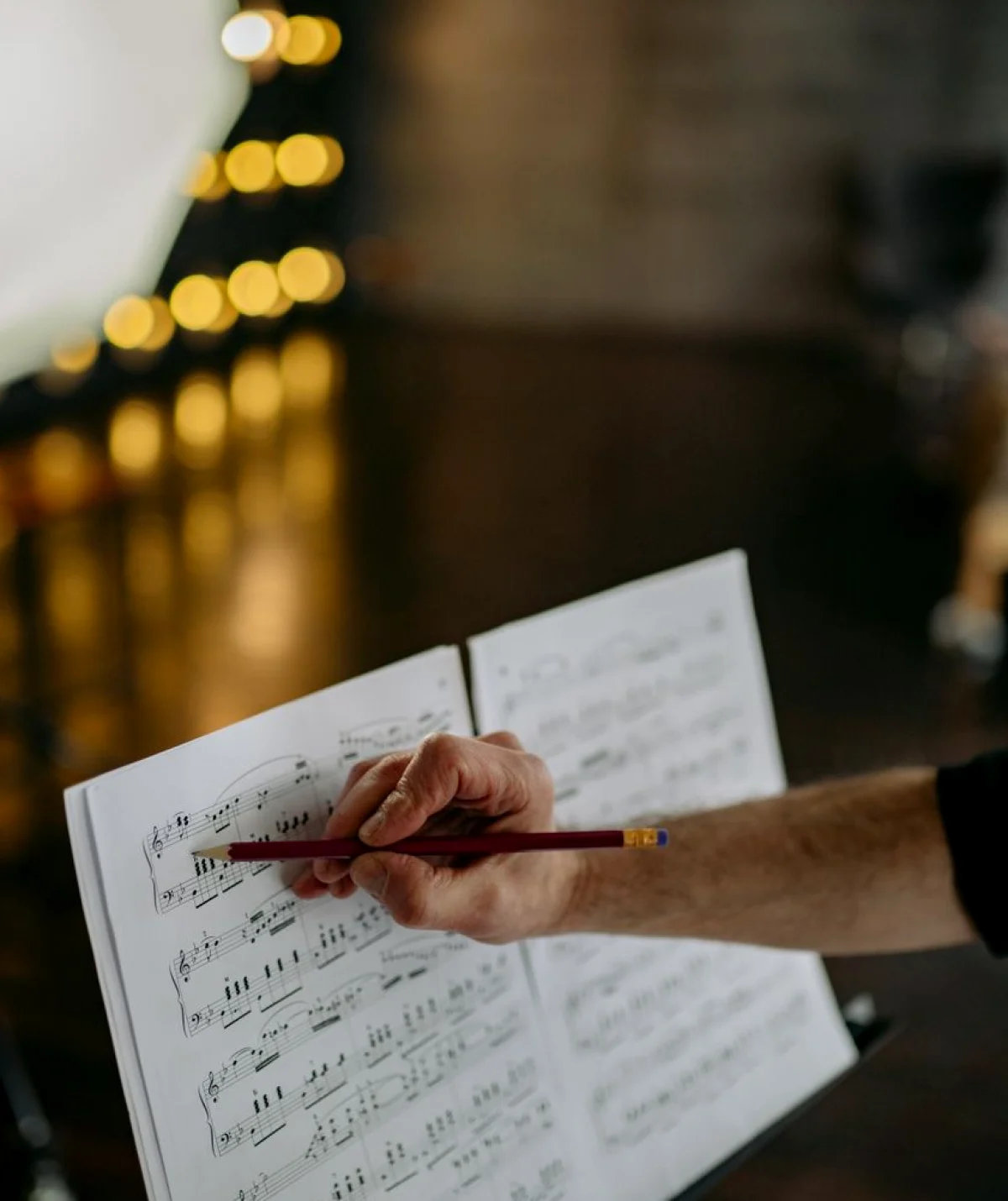
Mark every correction on the paper copy in pencil, then update the master after the run. Keep a clean printed set for each operator and one for the caller, all with the same version number and time at the top. Old copies left on a desk have caused more wrong cues than any equipment fault.
Finally, rehearse a failure. Pause the run and ask the crew what happens if a video does not play or a presenter skips a section. Ten minutes spent agreeing the recovery makes the real event calmer, and it teaches new producers how much of the job is simply being ready.
- Call the whole show aloud at least once
- Mark changes in pencil, then update the master
- Print matching, versioned copies for every operator
- Rehearse one planned failure
Common slips to check before show day
Most problems in a first cue sheet are small and repeatable. Cues are numbered but triggers are vague. Standbys are forgotten for the quiet moments, which are often the riskiest ones. Timings are written from hopeful guesses rather than from a rehearsal. And the sheet is stored on one laptop that nobody else can open.
Read the sheet one last time as if you were a stranger covering for the caller. Could you find the next cue without help? Do the page breaks fall in sensible places? Is each operator named against their actions? If the answer to any of these is no, fix it now rather than during the doors-open rush.
Print two spare copies, keep one backstage and one at the caller's desk, and agree who holds the master file. Small habits like these are what Module 2 of the course practises, using sample events so you can make mistakes in a classroom instead of in front of an audience.
A good cue sheet is not clever, it is clear. Begin with the running order, turn each change into a numbered cue with a visible trigger, add standbys and honest timings, then test the whole thing aloud and correct it in pencil. Do that for one small event and the method will carry over to larger ones. In Module 2 you practise exactly this, building a sheet and a sample schedule from doors opening to the final applause.
