Inside a Live Stream: How We Run Audio, Video and Recording
A look at how a stream is actually built and watched during an event, from the first signal check to the way recordings are labelled and handed over afterwards.
6 min read
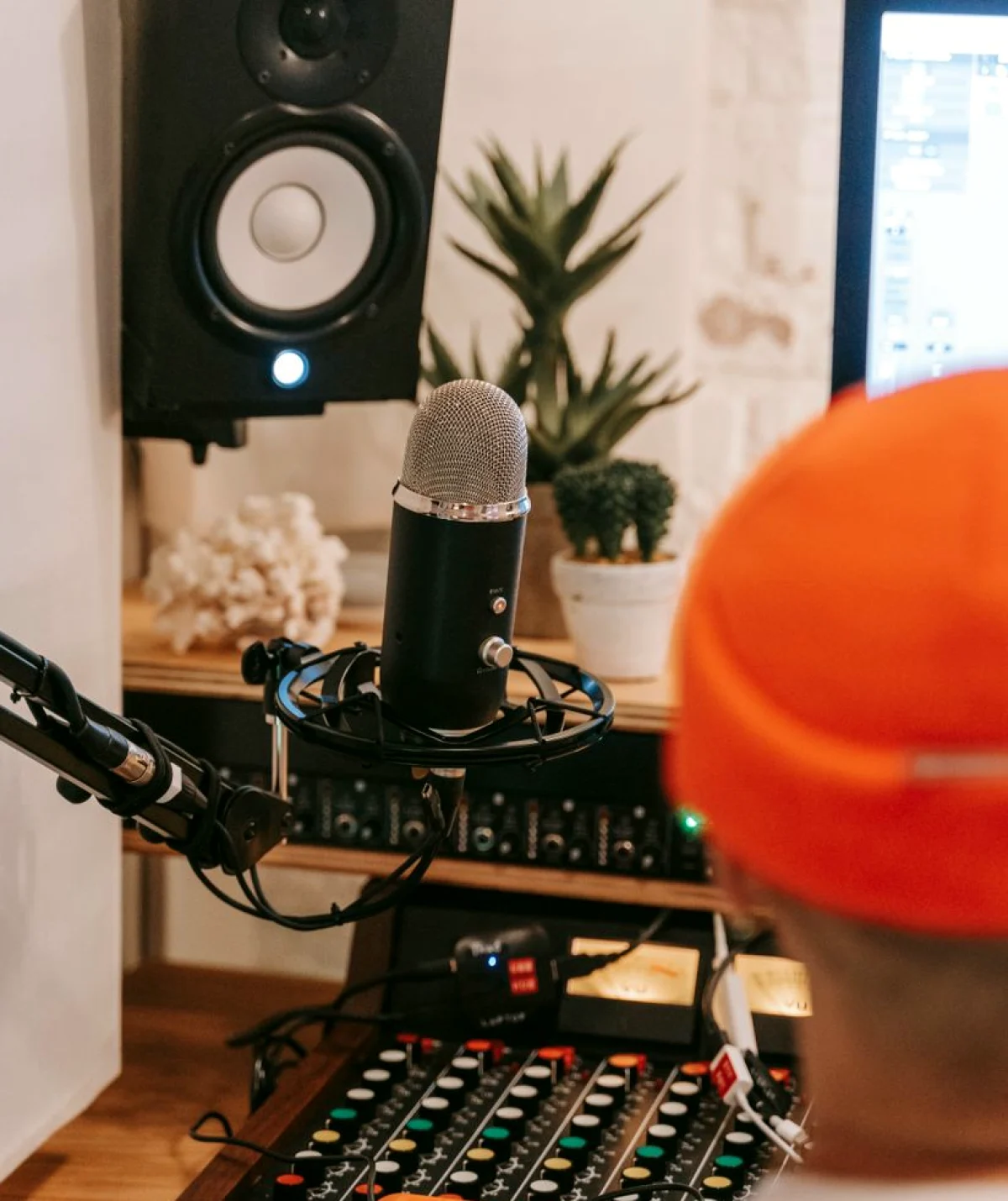
The desk before the doors open
A stream starts long before anyone sits down in the audience. In early autumn, when launch season picks up, I arrive at the control desk well ahead of the crew call and lay out the signal path on paper first: which camera feeds which input, where the presenter's microphone enters the mixer, and where the laptop with the slides plugs in. Drawing it out sounds slow, yet it is the quickest way to catch a missing cable or an input that was never assigned.
Learners in Module 5 do the same exercise before they touch any equipment. They get a floor plan and a list of sources, and they sketch the route each signal takes to the stream and to the recorder. Two people compare drawings and argue about the differences. Most mistakes appear on paper, where they cost nothing, rather than at the desk, where they cost a lost minute in front of an audience.
- Sketch every source and its route to the stream and recorder
- Label each input at the desk with tape and a marker
- Note which cables are spares and where they are kept
Watching audio as closely as video
People judge a stream by its picture, yet viewers forgive a soft image far sooner than muffled speech. I keep one pair of headphones on at all times and listen to the stream feed rather than the room, because the two can sound very different. A presenter who sounds clear to the front row may arrive online with clipped words or a low hum from a stage monitor.
In practice sessions we set levels with a presenter reading from a practice script, then ask them to move around the stage. Learners learn to watch the meters for peaks, notice when a lapel microphone brushes against clothing, and decide quickly whether to ride the fader or ask for a fix. The habit worth building is steady attention, with a hand ready, instead of constant adjustment.
Keeping an eye on the picture
The video side asks for a different kind of watching. I keep a row of monitors showing each camera, the program output and the slides, and I glance across them in a set order so nothing goes unchecked for long. A camera that drifts off a speaker, an exposure that shifts when stage lighting changes, or a slide that freezes can each go unnoticed if attention stays on one screen.
Module 5 trains this scanning habit with short drills. A learner sits at the desk while an instructor changes something small, such as lowering a camera's exposure or muting a source, and the learner calls out what they see. The goal is not speed for its own sake. It is knowing what normal looks like on every monitor, so that anything unusual stands out early enough to be dealt with calmly.
- Scan monitors in the same order every time
- Know the normal exposure and framing for each camera
- Call out problems aloud so the crew can respond
When something goes wrong mid-stream
Something will eventually misbehave, and the useful question is what the audience will notice. A network drop, a laptop that restarts, a battery that dies: each has a quiet fallback if it was planned. I keep a backup recording running locally on separate equipment, so a failed stream does not mean a lost event, and I agree beforehand with the producer on what viewers see if the main feed stops.
We rehearse these moments in guided sessions. An instructor quietly pulls a cable or mutes a source, and the learner has to recognise it, tell the team in plain words and apply the fallback. Nobody is graded on perfection. The aim is to practise the sentence you will say and the first thing you will check, so that under pressure those steps already feel familiar.
Recording and organising files for delivery
The event ends when the applause fades, but the recording work continues. Raw files from several cameras and the audio recorder pile up quickly, and without a system they become a confusing folder of similar names. I name each file with the event, the source and the take, copy everything to a second drive before leaving the venue, and write a short note listing what exists and what is missing.
Learners practise this tidy-up at the end of every session, because delivery is where many first-time producers stumble. They build a folder structure, check that files open and play, and prepare a clear handover for a client who may never have seen a camera card. A well-organised delivery tells the client you were careful, and it saves hours when an editor starts working from your files.
- Name files by event, source and take
- Copy to a second drive before leaving the venue
- Include a short note on what was recorded
What this module asks of you
Module 5 is built around doing the work in sequence: set up, monitor, respond, then deliver. You do not need prior streaming experience, only willingness to practise the routine until it feels ordinary. Each session uses the same kind of desk you would meet at a real launch, and you handle every stage yourself with an instructor beside you.
By the end, a learner should be able to plan a signal path, run a stream with attention to both sound and picture, handle a common fault without panic and hand over tidy recordings. That is a realistic outcome for a guided course. It prepares you to take part in a live production with confidence, while the rest comes from running more events over time.
Running a stream well is mostly careful preparation and steady watching, with a calm plan for the moments that go wrong and a tidy handover once the event is over. These are habits rather than tricks, and they come from repetition at a real desk. If that routine appeals to you, Module 5 gives you a place to practise it with guidance before a client is waiting on the result.
