Stream Only or Stream and Record: Which Suits Your Launch?
Jenna Kowalski compares a live-only stream with a stream paired with a separate recording, and explains which setup we teach first in Module 5 for most launch events.
6 min read
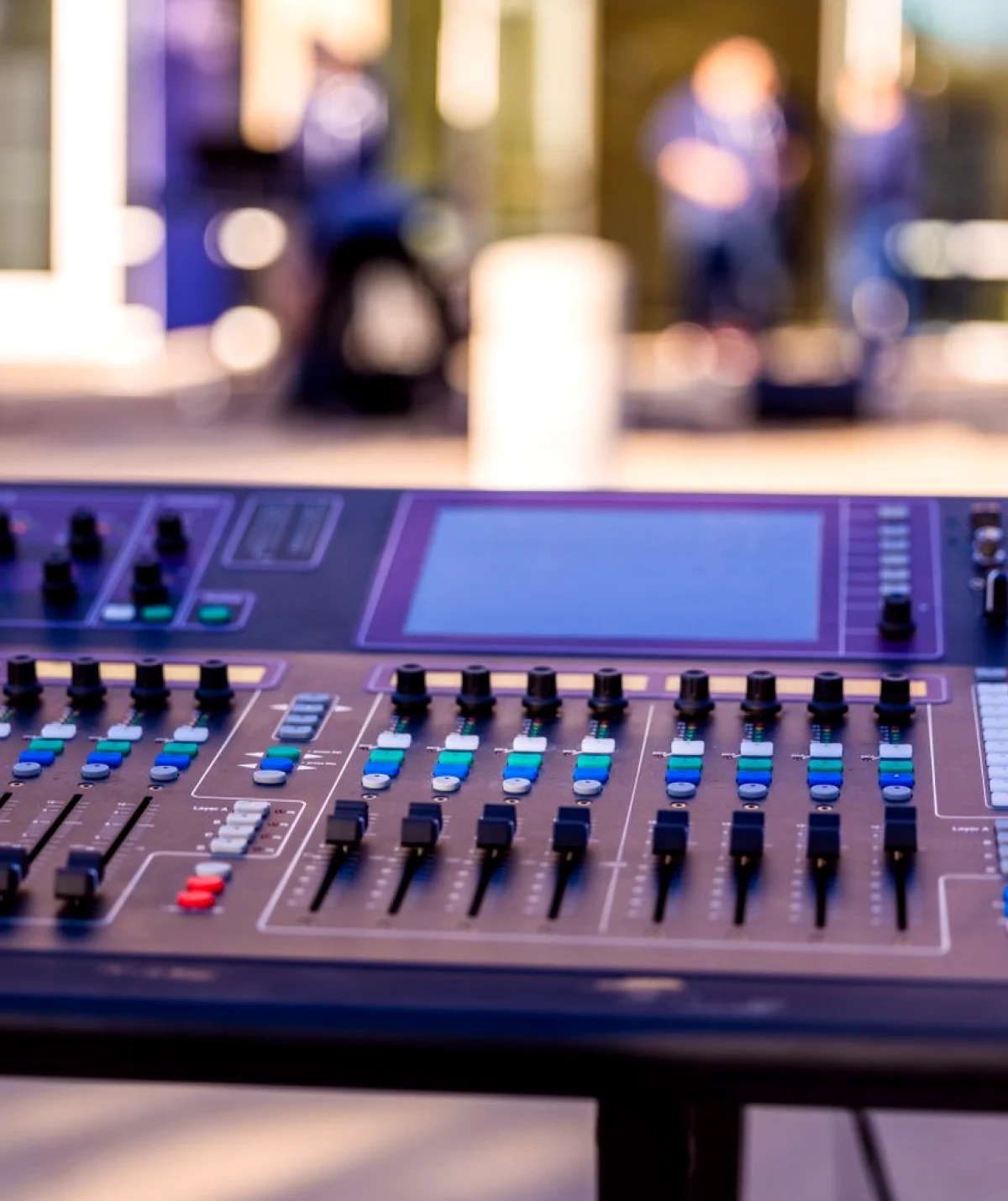
Two options on the table
Learners in Module 5 often ask the same thing in the first session: is it enough to send the event out live, or should we also keep a proper recording? The two options sound similar, but they ask different things of your crew, your equipment and your planning before doors open.
Option one is a live-only stream. The picture and sound leave the room as they happen, and whatever is saved afterwards is simply the platform's copy of the broadcast. Option two is a stream with a separate recording, where a second path captures the cameras and audio directly, independent of the connection that carries the stream.
This article sets the two side by side, following the way we walk through them in practice sessions, and ends with a recommendation. I am writing it for the mid autumn season, when many teams are planning year-end product reveals and creative premieres and deciding how much to put into capture.
Neither choice is wrong in every case. The right one depends on what the event is for, who will watch it afterwards and how much a lost moment would cost you.
What a live-only stream gives you
A live-only setup is the lighter of the two. You need one encoder, a mixed feed from your cameras and a clean audio signal. One person can often monitor all of it, which suits small premieres and short presentations with a modest crew.
The strengths are speed and simplicity. There is less to cable, less to label and fewer files to sort afterwards. In our practice sessions, learners can have a working stream running quickly, which leaves more rehearsal time for the presenters and the cue sheet.
The weakness is that everything rides on one path. If the venue connection drops for a minute, the viewers lose that minute, and the platform copy may carry the gap. The saved version is also exactly what viewers saw, including any audio dip or awkward cut, with no clean source to return to.
For a talk with no long shelf life, that trade can be perfectly reasonable. The stream is the product, and the replay is a convenience.
- Smaller crew and fewer devices to monitor
- Quicker to set up and to teach
- One failure point for picture and sound
What adding a separate recording changes
Recording alongside the stream means capturing the camera feeds and the audio mix locally, on a device that does not depend on the network. The stream remains the live window; the recording becomes the reliable record of the day.
This asks more of the crew. Someone has to start and stop recording, check that files are actually being written, and label them as they come off the desk. In Module 5 we assign that job to a named person, because a task shared by everyone tends to be done by no one.
The reward comes afterwards. A local recording can be trimmed, corrected and delivered in a clean version that fits the purpose: a product page, a press follow-up or an internal archive. If the stream stuttered, the recording usually did not.
It also protects the presenter. A speaker who stumbled over one line in the live broadcast can be given a tidied version, which is a kindness that live-only streaming cannot offer.
- Independent copy that survives a connection drop
- Cleaner material for edits and delivery
- Needs a named person to manage files
Comparing them on what matters
Set the two options against four questions we use in class. First, what happens if the network fails? A live-only stream loses content; a recorded one keeps it. Second, how many people can you spare? Live-only suits two or three, while recording works best with at least one person watching the files.
Third, how long will the content be useful? A launch that will be referred to for months deserves a clean source. A weekly briefing probably does not. Fourth, what are you able to review afterwards? Recording gives you something to study, which matters for learners improving their next event.
Cost follows from these answers rather than driving them. The extra work is mostly time and attention, with a modest amount of storage, rather than a long list of additional kit. Be wary of treating the recording as an optional extra to cut first when the schedule tightens.
When we run these comparisons in practice sessions, groups often start out favouring the simpler setup and change their minds after a deliberate failure drill, where we cut the connection mid-presentation.
The recommendation
For most launches and premieres, stream and record together. The additional effort is small compared with the risk of losing the one moment that cannot be repeated, and a clean recording keeps the event useful long after the audience has gone home.
Choose live-only when the event is short, informal and unlikely to be revisited, and when your crew is genuinely too small to watch a second path. Even then, ask the platform how long it keeps the saved broadcast and in what form, so the replay does not vanish unexpectedly.
If you are unsure, plan for both and decide at the equipment check. It is easier to switch recording off on the day than to wish you had switched it on. That is the habit we build in Module 5: the decision is made in the plan, written on the run sheet and confirmed with the whole crew.
Whichever path you choose, run a short test stream earlier in the day, with the real presenters and the real audio, so the first time anyone sees the picture is not in front of the audience.
- Default: stream plus a separate recording
- Live-only: short, informal, small crew
- Always test with real audio before doors open
Planning the choice into your project
The decision belongs early in the project, not at the load-in. Raise it when you gather the brief, because it affects how many people you need, how much setup time the venue must allow and what you will deliver to the client afterwards.
Write the choice into the run sheet beside the first cue. Name who starts the stream, who starts the recording and who confirms both are healthy. A line like that costs nothing and removes the confusion that appears at the worst moment.
Then agree how the recording will be handled afterwards: where the files go, who checks them and what form the final copy takes. Learners who settle this before the event spend far less time hunting for footage later.
Module 5 walks through each of these steps with a practice stream, so you finish with a habit rather than a theory. Bring a small event of your own to plan, and we will build the capture around it.
A live-only stream is quick and light, and it suits short, informal events with a small crew. A stream paired with a separate recording costs a little more attention and protects the whole day. For most launches, I recommend recording alongside the stream, naming one person to look after the files, and testing with real audio before the audience arrives.
