The Camera Kit and Methods We Use to Film a Product Reveal
A look at the cameras, supports and framing habits taught in the stage filming module, and why each choice is made before anyone touches a lens on launch day.
6 min read
Starting with the shot list, not the camera
Every filming exercise in this module begins on paper. Before learners pick up any equipment, we ask what the reveal needs to show: the product on its plinth, the speaker's face at the moment of the unveiling, the reaction in the room. Each of those becomes a line on a shot list, and each line decides which camera position earns its place.
This order matters because stage filming rarely forgives improvisation. The moment a cover is pulled away lasts a few seconds, and a camera that is pointed at the wrong person cannot recover it. Writing the list first forces a conversation with the presenter and the cue caller about when things actually happen.
Marcus Delaney, who writes this note, has watched capable operators lose a reveal simply because nobody told them the lights would drop first. The shot list is where that kind of surprise gets caught, long before the doors open.
- List every moment worth capturing
- Assign one camera to each moment
- Mark the cue that triggers each move
Three positions that cover most reveals
Most of our practice sessions settle on three camera positions. A wide shot from the back of the room holds the whole stage and gives editors a safe fallback. A mid shot from a raised position at the side follows the speaker. A close camera near the front is kept for the product itself and for detail.
Learners rotate through all three so that nobody finishes the course knowing only one job. Standing at the wide position teaches patience and steady framing. The close position teaches quick, small corrections and a feel for focus on a moving hand. The side camera sits between the two and trains judgment about when to hold and when to reframe.
We keep the number of positions modest on purpose. Three cameras, properly used, tell a clearer story than six placed without a reason, and they are far easier to staff with a small crew.
Supports, lenses and the habit of checking
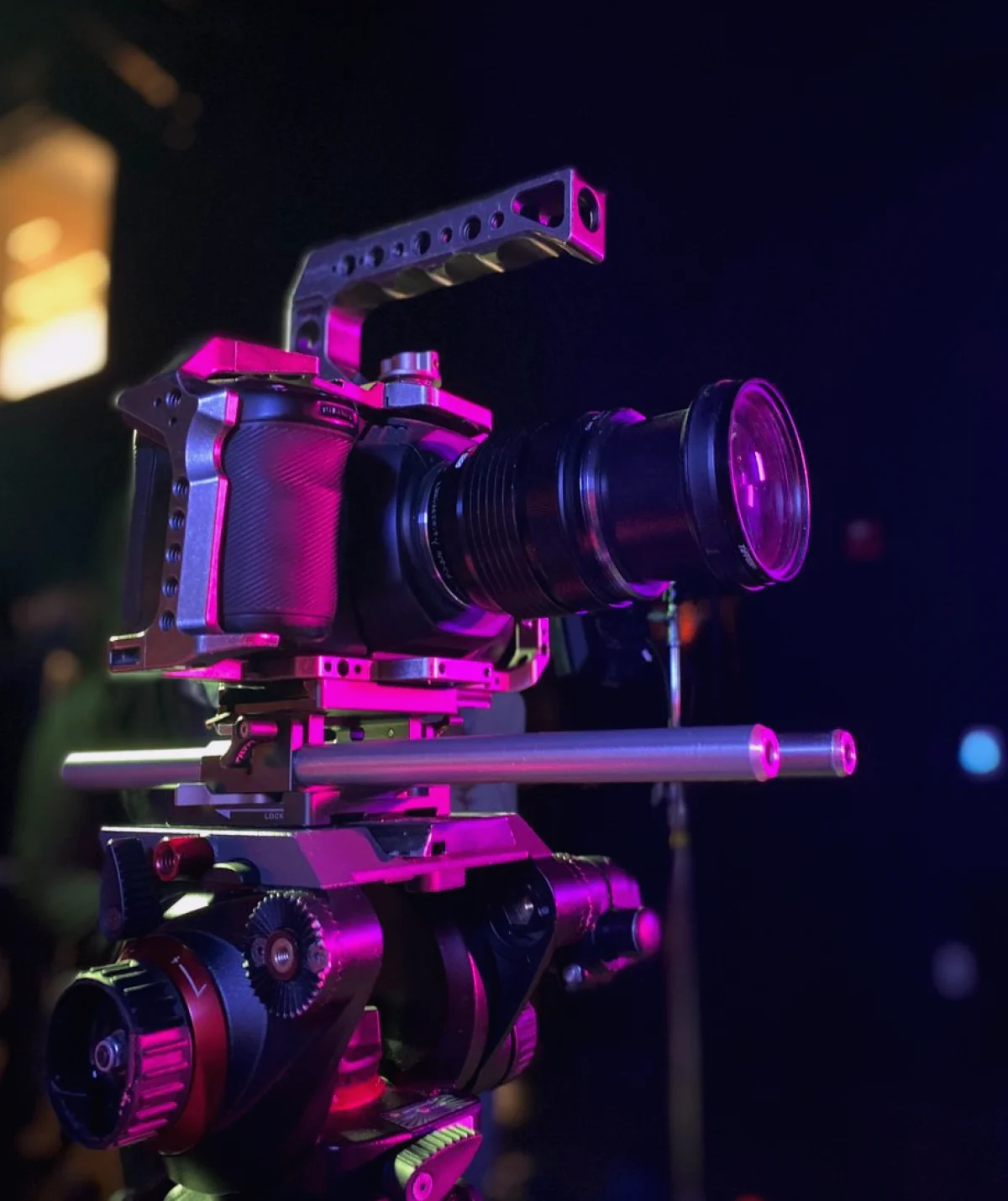
Tripods with fluid heads are the workhorse of the module. We teach learners to level the head, set the drag so a pan feels smooth, and lock off what will not move. A shaky wide shot is almost always a setup fault rather than an operator fault, and it is cheap to prevent.
Lens choice follows distance. A longer lens at the back of the room compresses the stage and keeps the speaker comfortably framed, while a shorter one up front lets the product fill the frame without crowding the presenter. Learners test each lens against the actual practice stage rather than reading about it.
Before every session the group runs the same short check: batteries, cards, focus on the product mark, exposure under the stage lights. It takes a few minutes, and it becomes a habit that people carry into their own events.
- Level and lock the tripod head
- Match lens length to camera distance
- Check cards, power and focus before doors
Framing the speaker and the product together
A product reveal asks the camera to serve two subjects at once. We teach a simple rule of thumb: frame the speaker with a little space in the direction they are looking, and let the product enter that space when it is revealed. The viewer's eye then moves where the presenter's attention already points.
Headroom and lead room are practised with real presenters from the rehearsal module, which gives operators a moving subject rather than a stand-in. Learners soon notice how a nervous speaker drifts toward the edge of the frame and how to ease the shot after them without chasing.
We also talk about what to leave out. A stray cable, an exit sign or a half-lit banner can distract from the product. Spotting those details during the rehearsal, rather than in the edit, saves a great deal of disappointment.
Communication on the intercom
Cameras do not work alone. In the practice sessions every operator wears a headset and listens to the cue caller, who announces each move a few beats ahead. Standby, then go, is the whole vocabulary, and learners are surprised by how much calm it brings to a busy room.
We teach operators to answer briefly and to keep chatter off the line. A camera operator who says only what the director needs to hear is easier to direct and easier to trust. The same discipline helps when a problem arises, such as a lost signal or a battery warning.
Priya Raman, who leads the filming and recording work, runs short debriefs after each exercise. Each person describes what they saw, what they expected and what they would change. Those few minutes teach as much as the filming itself.
- Use standby and go consistently
- Report problems in one short sentence
Reviewing footage to improve the next take
The module ends each session with playback. Groups watch their own footage on a monitor and compare it with the shot list written at the start. Missed moments are easy to name once everyone can see them, and the discussion stays practical rather than personal.
We look for three things in particular: whether the reveal was captured from more than one angle, whether the framing stayed steady through the speaker's movements, and whether the audio and picture stayed in step. Notes from the review go straight into the next exercise.
This loop of plan, film and review is the method we rely on more than any single piece of equipment. Gear changes from one production to the next, but a reliable way of preparing and checking carries across all of them.
The tools in this module are ordinary: tripods, a few lenses, headsets and a monitor for playback. What makes the difference is the order of work, a written shot list, a small number of purposeful positions, clear talk on the intercom and an honest review afterward. Learners who practise that sequence leave able to approach a launch with a plan rather than a hope.
